
You have a passion you want to share with the world, and YouTube is your stage. But as you start your journey, you might look at popular channels and think you need a Hollywood-sized budget for software to compete.
The good news? You don't.
The gap between amateur and professional-quality content has never been smaller, thanks to a powerful suite of free tools that can handle every step of your creative process. In this guide, we'll walk you through a complete, 100% free toolkit that covers everything from video editing to channel growth.
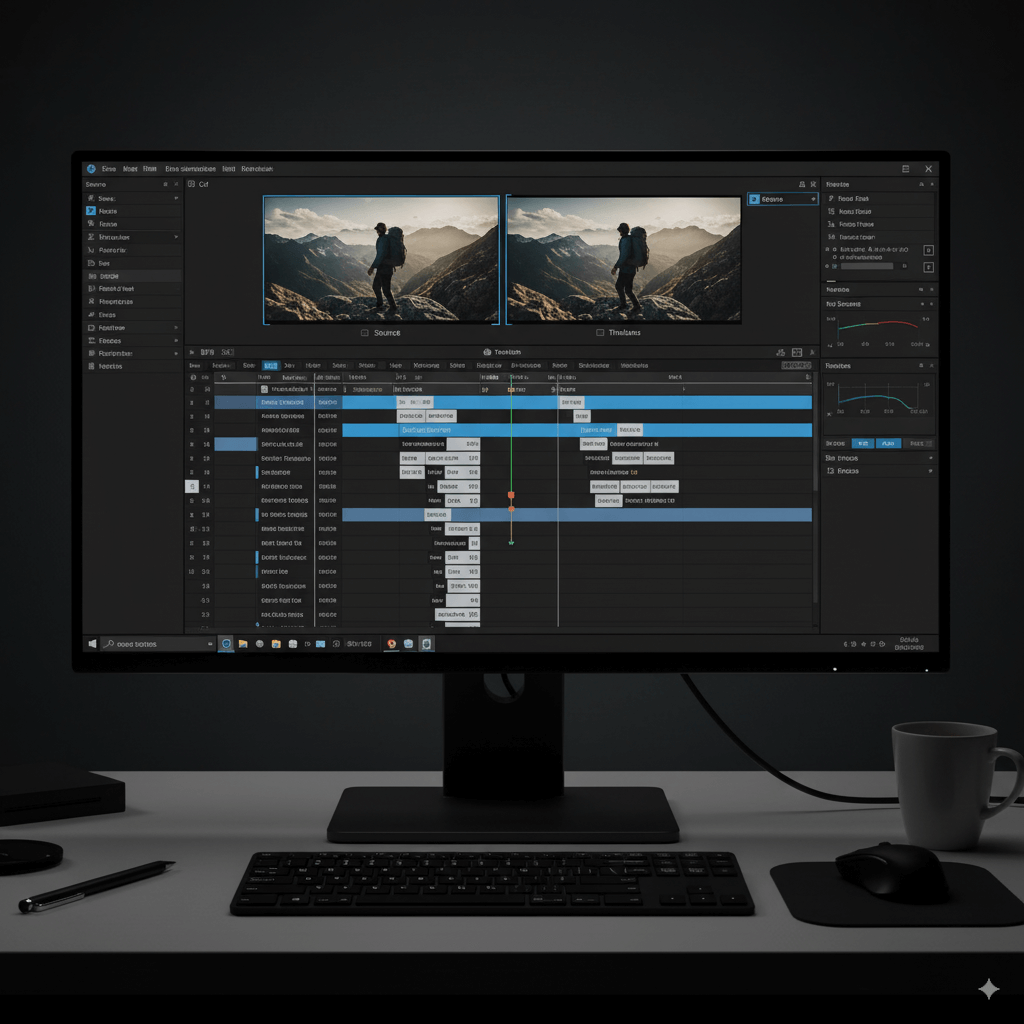
1. DaVinci Resolve - For Professional-Grade Video Editing
Forget basic, clunky video cutters. DaVinci Resolve is a world-class, professional editing suite used on actual Hollywood films—and its standard version is completely free. It combines professional 8K editing, industry-leading color correction, visual effects (Fusion), and audio post-production (Fairlight) into a single application.
- Best for: Creators who are serious about making their videos look cinematic and want a powerful tool they can grow with, without ever hitting a paywall for core features.
My Experience:
The first time you drag a flat, lifeless-looking video clip into Resolve and start playing with its famous color wheels is a magical moment. With a few simple tweaks, you can make the sky a deeper blue, the grass a vibrant green, and give your footage a truly cinematic feel. It's the difference between a simple "video" and a "film." While it might seem intimidating at first, the power it gives you to tell your story visually is absolutely addictive.
2. Canva - For Eye-Catching Thumbnails & Channel Art
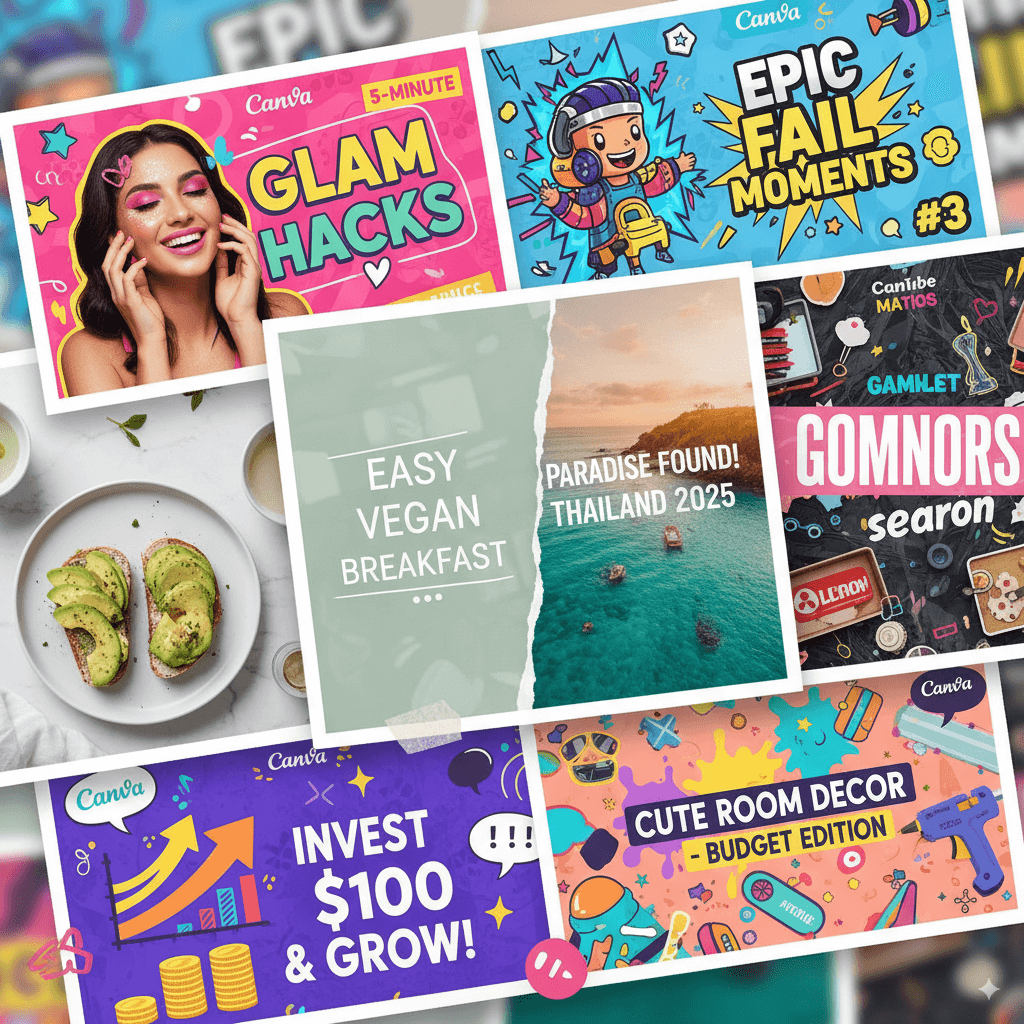
A video's success is often decided before a single frame is watched—by the thumbnail. Canva is an incredibly intuitive, browser-based graphic design platform that empowers anyone to create stunning visuals, no design degree required. With thousands of templates, free stock photos, and a simple drag-and-drop interface, you can design a high-click-through-rate thumbnail in minutes.
- Best for: Designing thumbnails, channel banners, end screens, and social media graphics that look professional and grab viewers' attention.
My Experience:
I used to dread making thumbnails. I'd scroll through YouTube, see all the amazing, eye-catching graphics, and feel completely outmatched. Canva changed that entirely. The process is now genuinely fun. I can grab a screenshot from my video, upload it, pick a template that I like, change the text, and have a professional-looking thumbnail in less than five minutes. It completely removes the "I'm not a designer" anxiety and the feeling of seeing your polished thumbnail next to the big channels is a huge confidence booster.
3. VDown - For Sourcing Content & Streamlining Research
For many creators, the workflow starts with existing content. Whether you're making a commentary video, a reaction clip, or a deep-dive analysis, you need a safe and reliable way to get your source material. That's where VDown comes in.
- Why it's essential: VDown is a versatile toolkit that acts as the crucial "first step" for your creative process.
- Need high-quality video clips for your edit in DaVinci Resolve? The YouTube to MP4 Converter provides clean, high-resolution files.
- Want to use a podcast or music as background audio? The YouTube to MP3 Converter extracts audio in pristine quality.
- Doing research for a video essay? The AI Video Summarizer can instantly provide a full transcript and key points, saving you hours of manual work.
- Best for: Creators who need to interact with and repurpose existing YouTube content ethically and efficiently.
My Experience:
VDown feels like my personal research assistant. For a recent video essay, I needed a specific movie clip for analysis. I used the MP4 converter to get a perfect 1080p file onto my timeline in seconds. Later, I needed the audio from an interview with the director; the MP3 converter handled that flawlessly. The real game-changer was the AI Summarizer, which gave me a full transcript, allowing me to find the exact quote I needed without re-watching the entire hour-long interview. It removes all the technical friction and lets me stay focused on my creative vision.
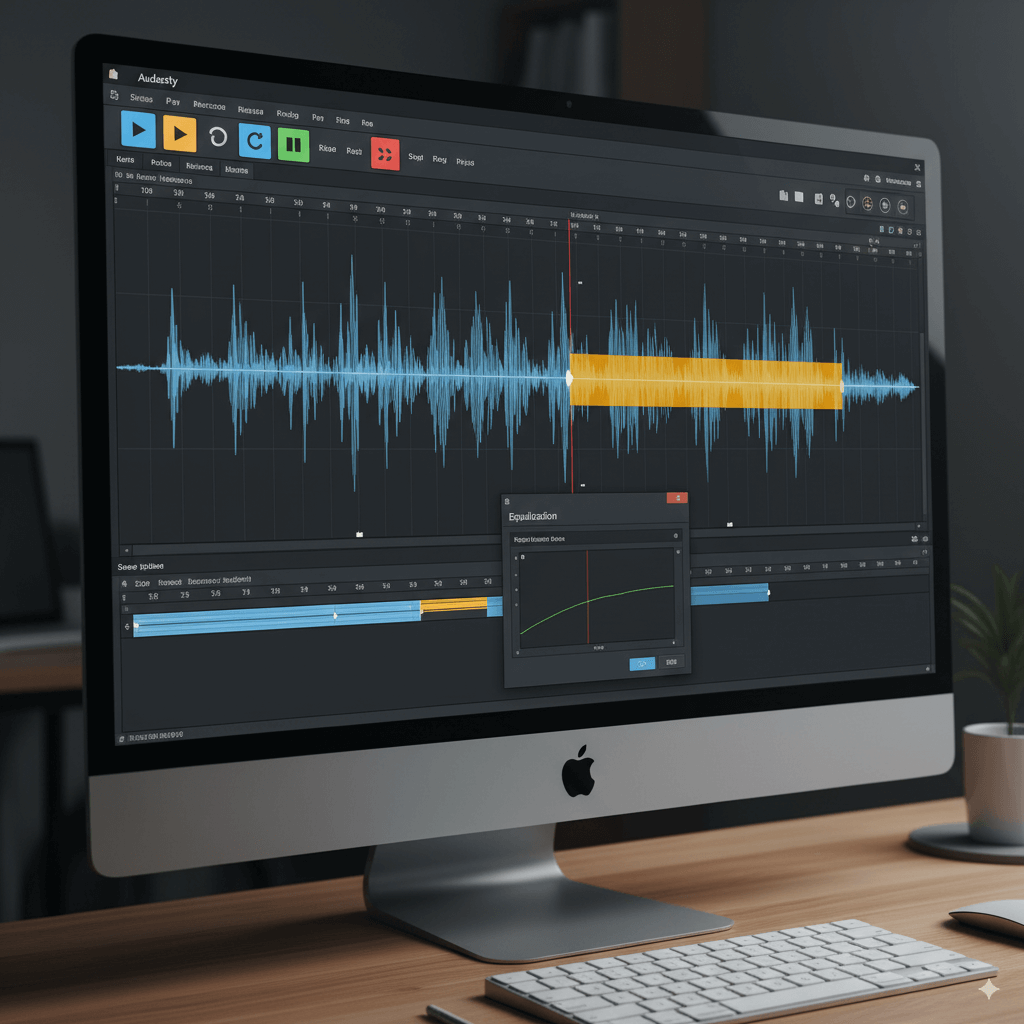
4. Audacity - For Crystal-Clear Audio & Voiceovers
Here's a golden rule of YouTube: viewers will forgive mediocre video, but they will not forgive bad audio. Audacity is a powerful, open-source, and completely free audio recording and editing software that has been the standard for creators for years. It allows you to easily remove background noise, edit out mistakes, and make your voiceovers sound rich and professional.
- Best for: Recording voiceovers, cleaning up audio from your video clips, and producing high-quality podcasts.
My Experience:
Hearing that annoying background hum from your computer fan just disappear is one of the most satisfying moments in content creation. With Audacity, I can record a voiceover, select a few seconds of pure "room tone," and tell the software to remove that noise from the entire track. The result is a crisp, clean, professional-sounding recording. It feels like a superpower for your voice and turns a raw, amateur recording into something you're proud to publish.
5. TubeBuddy - For YouTube SEO & Channel Growth
Making a great video is only half the battle; people need to find it. TubeBuddy is a YouTube-certified browser extension that acts as your personal channel advisor. The free version provides powerful keyword research tools, tag suggestions, and competitive analysis, helping you optimize your video titles and descriptions to rank higher in YouTube and Google search results.
- Best for: Any creator who is serious about understanding their audience and growing their channel organically.
My Experience:
I used to just guess my video titles. Now, I use TubeBuddy's Keyword Explorer. I had a video idea and my first title got a "Poor" score. Following TubeBuddy's suggestions, I tweaked the wording and found a variation with a "Very Good" score. It also suggested tags I never would have thought of. It demystifies SEO and turns the guesswork of discoverability into a data-driven strategy. When you hit "publish" with a great score, you feel confident you’ve given your video the best possible chance to find its audience.
Conclusion: Your Free Path to Success
There you have it—a complete, professional toolkit without spending a dime. With DaVinci Resolve for editing, Canva for design, VDown for sourcing content, Audacity for audio, and TubeBuddy for growth, there has never been a better time to start creating and sharing your story with the world.
So, what are you waiting for? Why not start by grabbing a clip for your first video? Give VDown a try and see where your creativity takes you.