
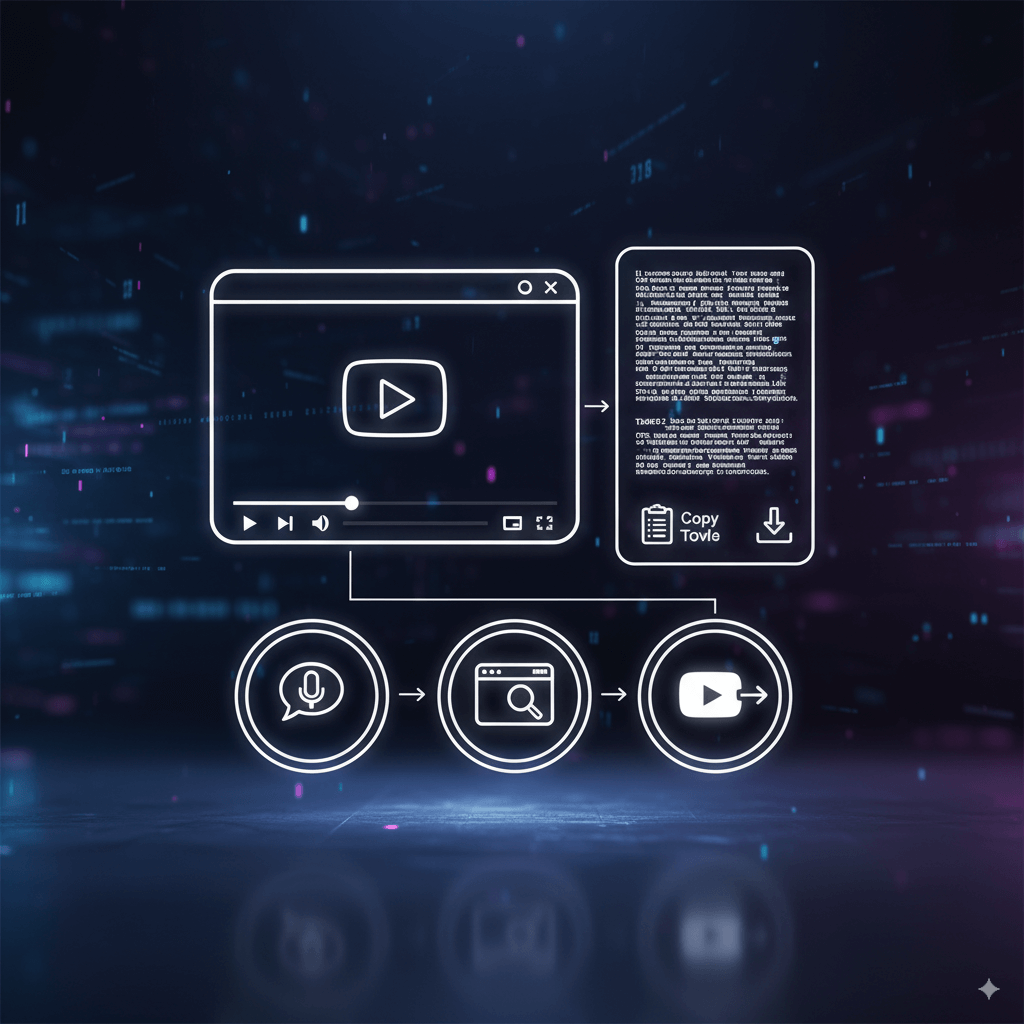
Have you ever watched a long YouTube lecture and wished you had written notes? Or maybe you're a content creator who needs to quote a specific line from an interview. A full, word-for-word transcript is an incredibly powerful tool, but manually typing it out is a slow and tedious process.
Fortunately, there are several easy ways to get a complete transcript for free. In this guide, we'll show you exactly how to get the transcript of a YouTube video, explain why some videos don't have one, and clarify the difference between a transcript and subtitles.
Why Do Some YouTube Videos Not Have a Transcript?
Before we dive into the methods, you might have noticed that not every video has a transcript available. There are two main reasons for this:
1. The Creator Has Disabled It: YouTube's transcripts are generated from the video's captions (subtitles). Creators have the option to upload their own captions, use YouTube's auto-generated ones, or disable them entirely. If a creator disables captions, the transcript option will not be available.
2. Poor Audio Quality: YouTube's automatic captioning system relies on speech recognition. If a video has very poor audio quality—such as loud background music, unclear speech, or multiple people talking at once—the system may fail to generate an accurate transcript.
Now, let's explore the solutions for the videos that do have available text.
Method 1: How to See, Find, and Open the Transcript Directly on YouTube
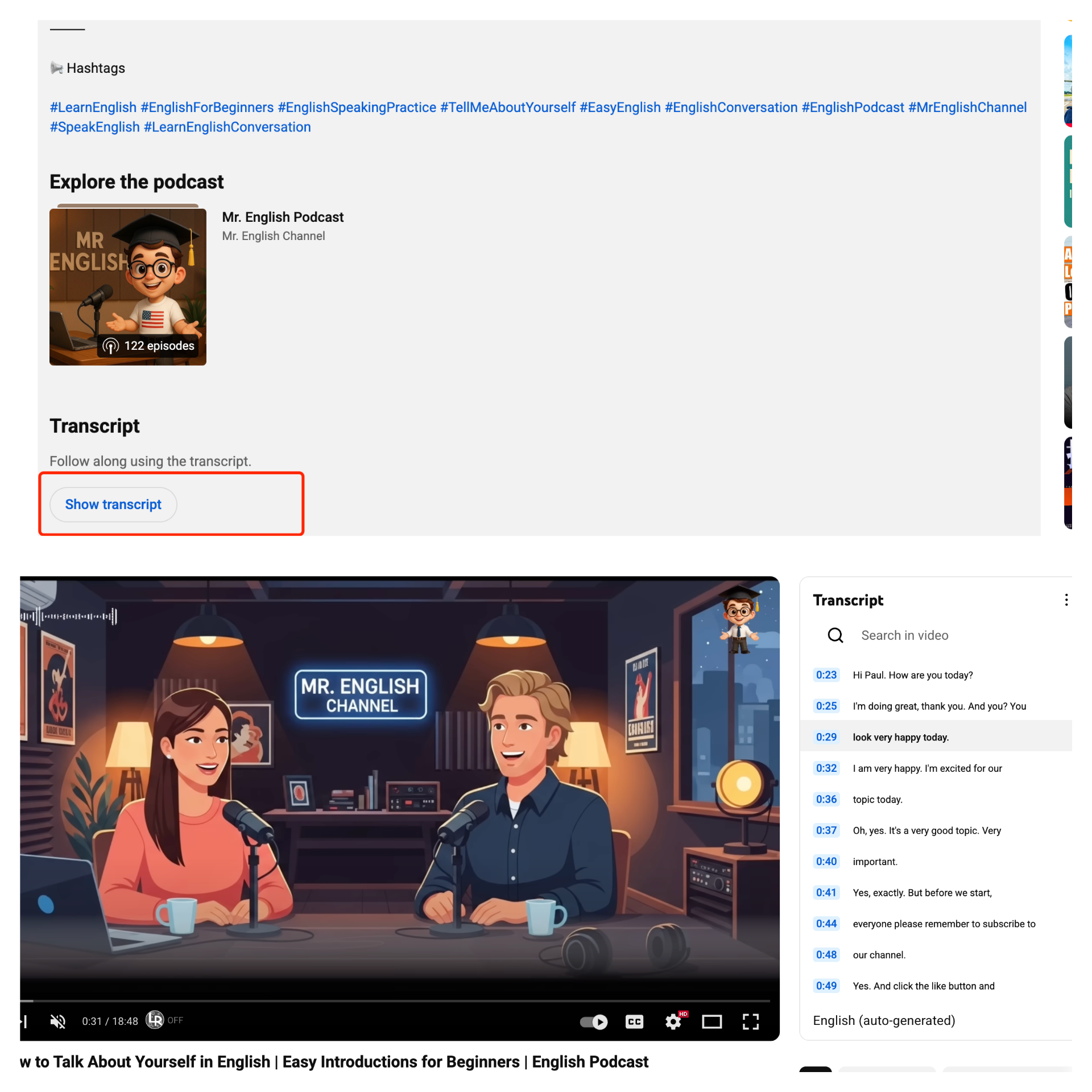
Many people don't realize that YouTube often provides a full transcript directly on the video page. If you just want to see the transcript while watching, this is the quickest way.
Here’s how to find the transcript on YouTube:
1. On the video page, below the video player, click the "..." (More) button.
2. From the dropdown menu, select "Show transcript".
3. An interactive transcript panel will appear next to the video. You can now read the text as the video plays.
Pros:
- It's built-in and requires no extra software.
- The text is interactive and syncs with the video playback.
Cons:
- It's difficult to copy the transcript from YouTube cleanly.
- There's no simple "Download" button.
Method 2: How to Download or Copy a YouTube Transcript with a Free Tool (Recommended)
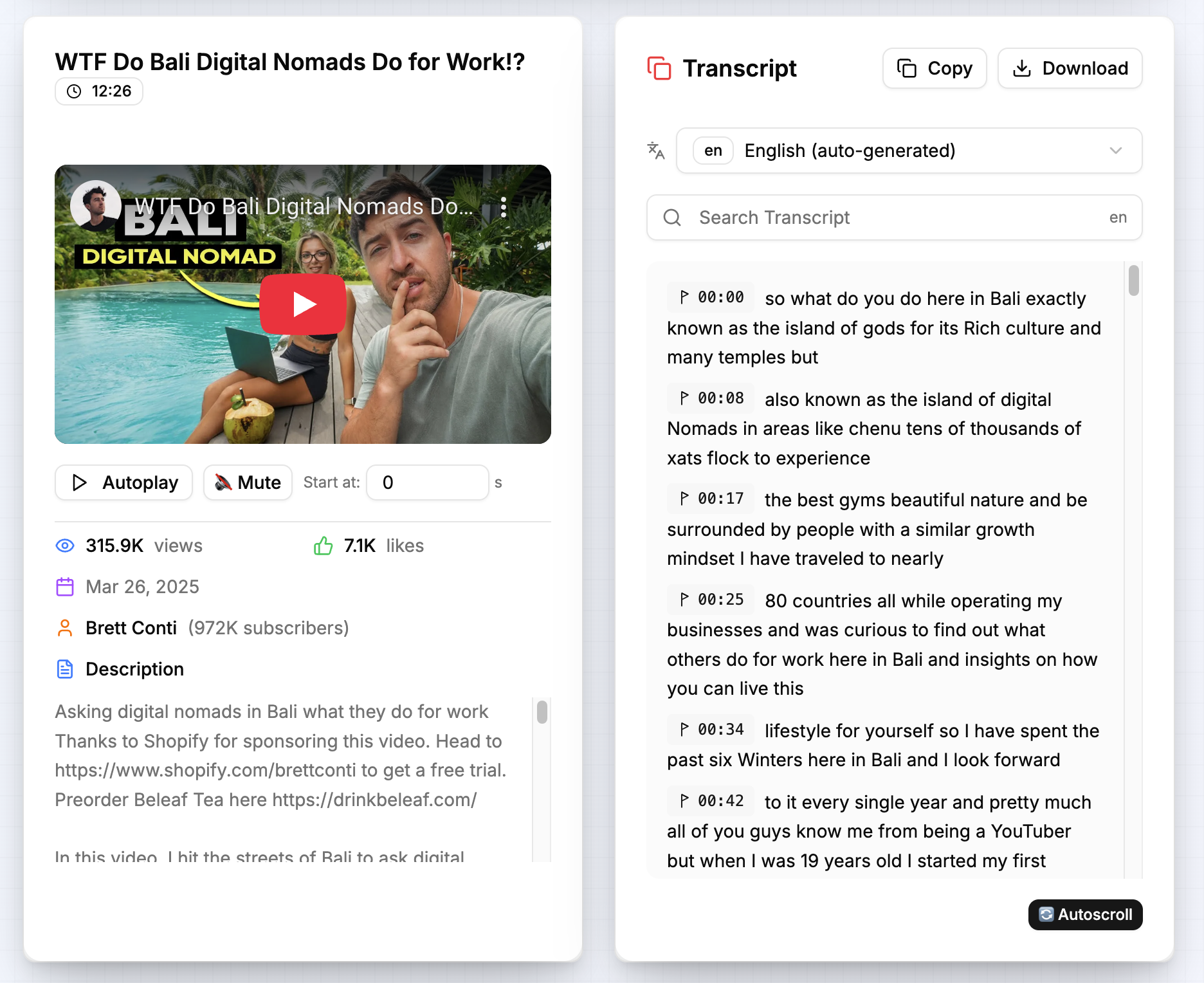
For more power and flexibility, a dedicated online tool is the best option. These tools are designed to make it easy to download a YouTube transcript or copy it with one click.
Our Free YouTube Transcript solves all the limitations of the native YouTube feature.
How it's better:
1. Easy Download & Copy: You can download the transcript as a .txt file with a single click, or copy the entire text to your clipboard cleanly.
2. Extract Text Easily: This tool helps you extract the transcript from a YouTube video without any formatting issues.
3. Interactive Player: The transcript remains fully interactive. Click any sentence, and the video player will instantly jump to that exact moment.
Method 3: The DIY Method to Transcribe a YouTube Video Manually
What if a video doesn't have any official captions? You can still make a transcript of a YouTube video yourself using speech-to-text technology.
How to do it:
1. First, you need the audio from the video. You can use a tool like the VDown YouTube to MP3 Converter to quickly download the audio.
2. Next, use a free speech-to-text service, like Google Docs' built-in Voice Typing, to automatically transcribe the audio file.
3. Proofread the text for any errors.
Transcript vs. Subtitles: What's the Difference?
You might hear the terms "transcript" and "subtitles" (or "captions") used interchangeably, but from a product perspective, they are designed for different purposes.
- Subtitles are designed for watching. They are text broken into small, timed chunks that appear on-screen in sync with the video's audio. Their primary goal is to help you follow along in real-time.
- A Transcript is designed for reading. It takes all the text from the subtitles and presents it as a single, fully readable document. Its primary goal is to allow you to search, copy, and analyze the video's entire content as a standalone text file.
Think of subtitles as a real-time "assistant" for your viewing experience, while a transcript is the complete "script" of the video that you can use for work or study.
Which Method is Best for You? A Quick Comparison
| Feature | YouTube's Method | VDown Tool (Recommended) | DIY Method |
|---|---|---|---|
| Ease of Use | Medium | Very Easy | Hard |
| Download Option | No | Yes (.txt file) | Yes (Manual) |
| Interactive Text | Yes | Yes | No |
| Works on Any Video | No | No | Yes |
Conclusion
Whether you want to quickly see the transcript on YouTube or need to download a full transcript for your work, there's a free and easy solution available. A dedicated online tool like VDown's Transcript Generator offers the best combination of speed, convenience, and powerful features, turning a tedious task into a simple, two-step process.
Frequently Asked Questions
- Why can't I find the transcript for some YouTube videos?
This is usually because the video creator has disabled the caption feature, or the video's audio quality is too poor for YouTube's automatic system to generate a transcript.
- What's the difference between a transcript and subtitles?
Subtitles are timed text chunks for watching a video in real-time. A transcript is the complete, combined text presented as a single document for reading, searching, and downloading.
- How accurate is the transcript?
Our tool uses advanced speech-to-text technology for high accuracy. However, the final quality can depend on the clarity of the original video's audio and the speaker's accent.
- Is this tool really free?
Yes, our YouTube Transcript Generator is 100% free to use. There are no limits, and no sign-up is required.